
Public Housing Maintenance Software: Managing Work Orders, Unit Turns, and Inspections
What is public housing maintenance software?
Public housing maintenance software is a HUD-focused system a PHA uses to manage repairs, unit turns, and inspection follow-up in one place. Staff log work orders, assign and track them to completion from the field, and turn vacant units faster, so maintenance keeps pace with occupancy and physical-condition standards instead of living on paper.
What public housing maintenance software does
For a housing authority, maintenance is not a single task. It is the daily work of keeping units safe, occupied, and ready, often across scattered sites and with a lean crew. Public housing maintenance software brings that work onto one live system, so a request, a repair, a unit turn, and an inspection follow-up all live in the same record instead of on paper tickets, spreadsheets, and radio calls.
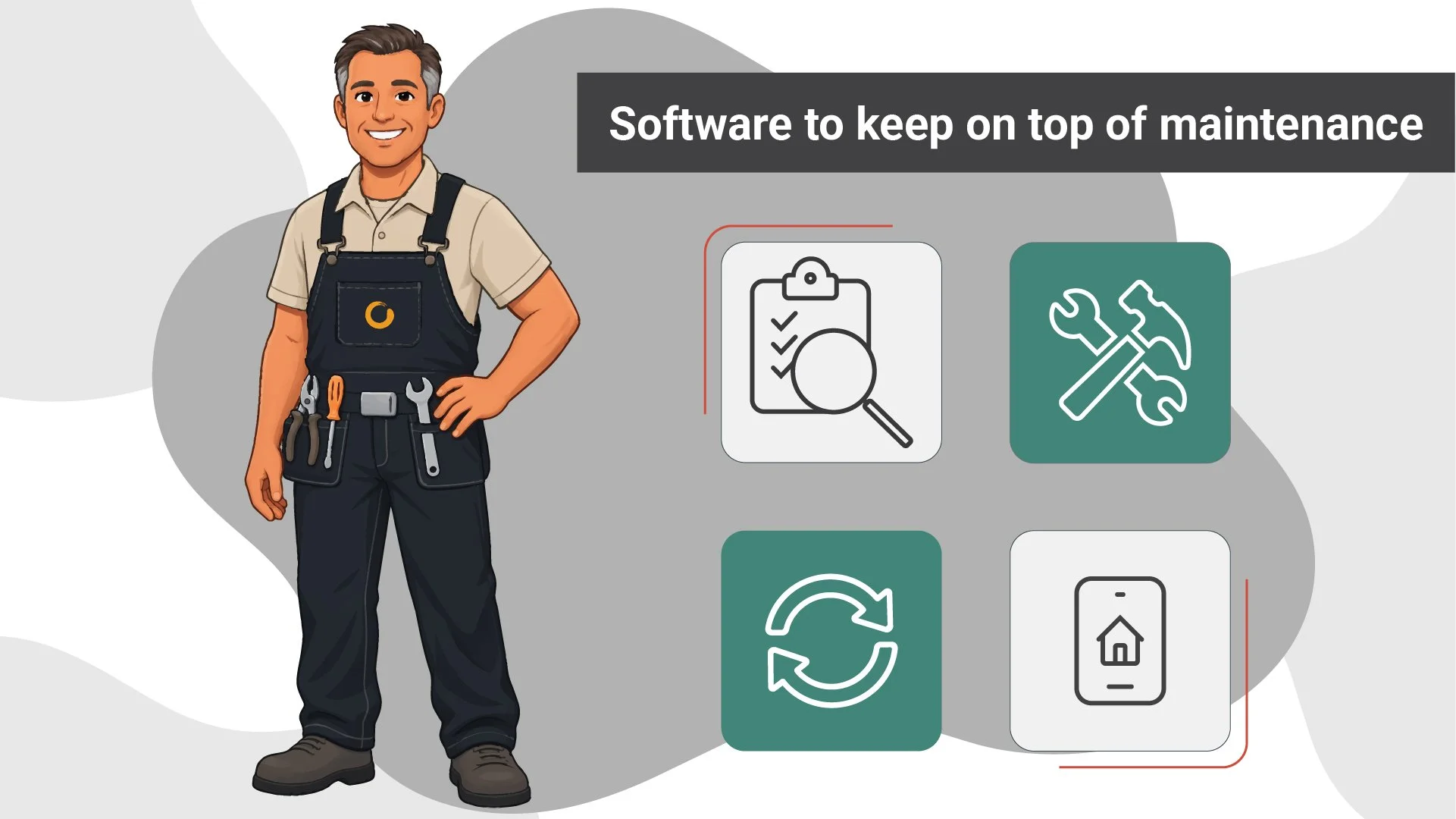
In practice, a purpose-built platform covers four connected jobs:
Work orders and repairs: Every request is logged, assigned, and tracked to completion in one queue.
Preventive maintenance: Recurring tasks are scheduled ahead of time, so small issues are caught before they become emergencies.
Unit turns: The make-ready cycle between a move-out and the next move-in is managed as a sequence, not a scramble.
Inspection follow-up: Deficiencies found in the field flow straight back into the work queue as jobs to close.
Because these sit on one system, maintenance stays connected to occupancy and compliance rather than running as a side function. For the full category picture, see our complete guide to public housing authority software.
Work orders: from resident request to closed ticket
The work order is the heartbeat of PHA maintenance, and it is the workflow a housing authority feels every day. Good software moves a job cleanly through its full lifecycle: intake, prioritize, assign, track, and close, with the current status visible to everyone who needs it. No one has to walk to a filing cabinet or call the shop to find out where a repair stands.
The biggest gain is field-first work. Technicians receive, update, and close work orders from a phone or tablet in the unit, so nothing has to be re-keyed back at a desk. Resident-reported issues flow straight into the queue instead of sitting in a voicemail box, which shortens the time between a report and a fix. And every closed ticket adds to a record the authority can report on: open volume, response and completion times, and cost per work order. Those are exactly the numbers a board or a HUD reviewer tends to ask about, and they are far easier to answer when the system captures them as the work happens.
Unit turns: Cutting vacancy days and lost rent
A unit turn, or make-ready, is the cycle between one household moving out and the next moving in: inspect the vacant unit, complete the repairs, and get it back into service. Every day a unit sits vacant is a day of lost rent and one more household waiting on the list, so the speed of the turn is a number that matters to the whole authority, not just the maintenance shop.
Maintenance software sequences the turn as a checklist, so the steps do not stall while a unit waits on one person to remember the next move. Vacancy status is visible, the required tasks are assigned, and completion is tracked to the day the unit is ready. When the turn connects to the waitlist, a ready unit gets matched to the next eligible household quickly, closing the loop between maintenance and occupancy. The payoff is fewer vacant days, less lost rent, and stronger occupancy performance, which HUD watches.
Inspections and physical-condition readiness
Inspections are where maintenance and compliance meet. HUD holds housing authorities to a physical-condition standard, and the practical question for a maintenance team is how quickly a finding becomes a fix. Software closes that loop. Inspectors capture deficiencies on site from a mobile device, and each one becomes a work order automatically, so nothing falls through the gap between the clipboard and the shop.
That creates a clean audit trail of what was found, what was fixed, and when, which is the evidence an authority wants on hand year-round rather than in the week before a review. It also helps a PHA stay ahead of NSPIRE, HUD's National Standards for the Physical Inspection of Real Estate, without an inspection scramble. The regulatory detail behind NSPIRE, along with SEMAP and reporting deadlines, is a compliance subject in its own right. Here the point is simpler: when inspections feed maintenance directly, condition problems get resolved before they become findings.
Purpose-built for PHAs vs. generic maintenance software
This is the distinction that matters most when a housing authority compares options. Generic property management and CMMS work-order tools are built to track tickets for conventional landlords and facilities teams. They can be good at that. What they do not understand is HUD. They have no concept of an occupancy status tied to a federal program, no link to the Form HUD-50058 record behind a household, and no inspection logic mapped to HUD's condition standard. To use one for a PHA, the authority has to bolt those connections on by hand.
Purpose-built PHA software takes the opposite approach. Maintenance runs on the same platform as occupancy, certifications, and inspections, so a work order, a unit turn, and a household record all understand each other. The data is one system, not two that someone has to reconcile. That is the same reason the category is not just generic property management software with a housing label, a point we make in full on the PHA software guide. You can see what purpose-built looks like on Kanso's public and affordable housing platform. When you are ready to compare providers side by side, or to see the platform in action, a demo is the fastest way to judge the fit for your authority.

Frequently Asked Questions (FAQs)
-
This is the key question. A generic work-order or property management tool can track a ticket, but it does not understand HUD programs, occupancy status, or the reporting a housing authority owes. Purpose-built PHA maintenance software ties repairs, unit turns, and inspections to the same records that run 50058 and occupancy, so the work and the compliance picture stay in one place.
-
Yes, on a modern platform. Technicians receive, update, and close work orders and capture inspection findings from a phone or tablet in the unit, without re-keying anything back at a desk. Field-first mobile access is what shortens the time between a reported issue and a completed repair.
-
A good platform captures the metrics as the work happens: open work-order volume, response and completion times, cost per work order, and unit turnaround time. Because the data is recorded in the flow of the job, the authority can answer a board question or a HUD review without rebuilding the numbers by hand.
